How to Remove a Child ASIN from a Variation Family on Amazon
By Onur Simsek · · 4 min read
Hey friends,
I wanted to write a short article about this because it’s a question that comes up very often. I also thought about making a video for our YouTube channel, but the topic is actually too simple to justify a video.
For one reason or another, you want to separate one or more ASINs from a variation family, and you’re not sure how to do it.
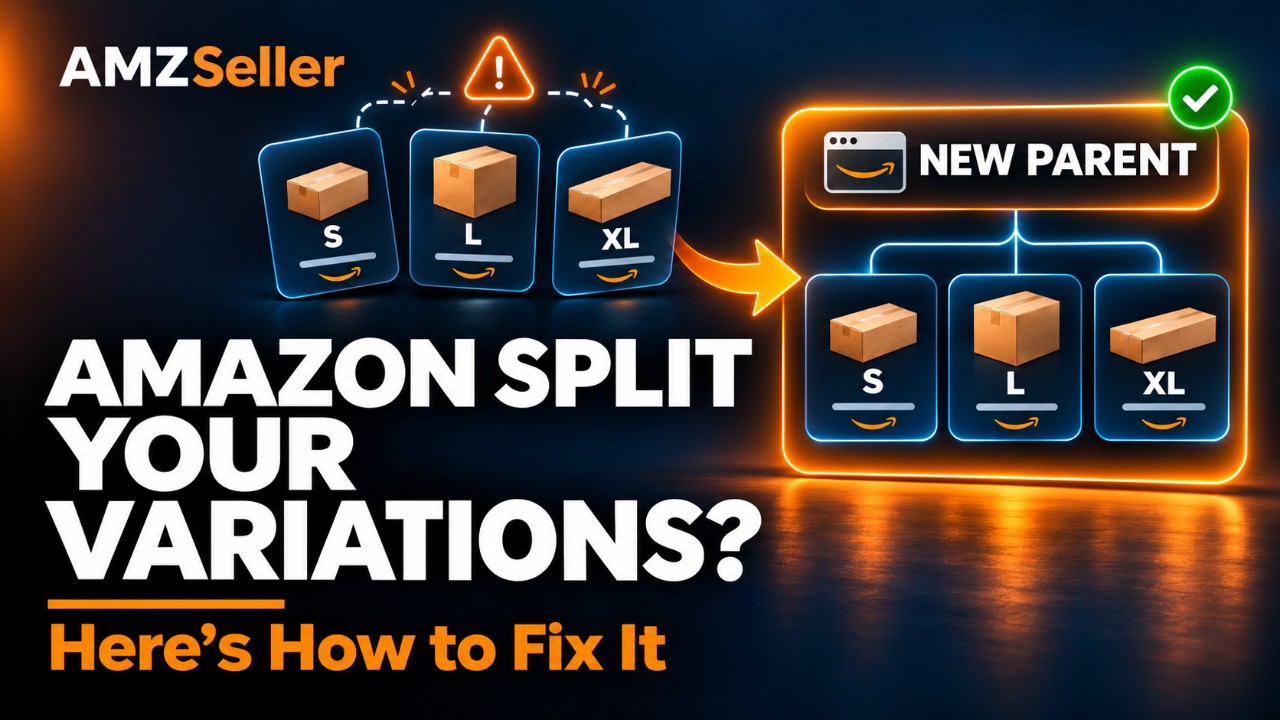
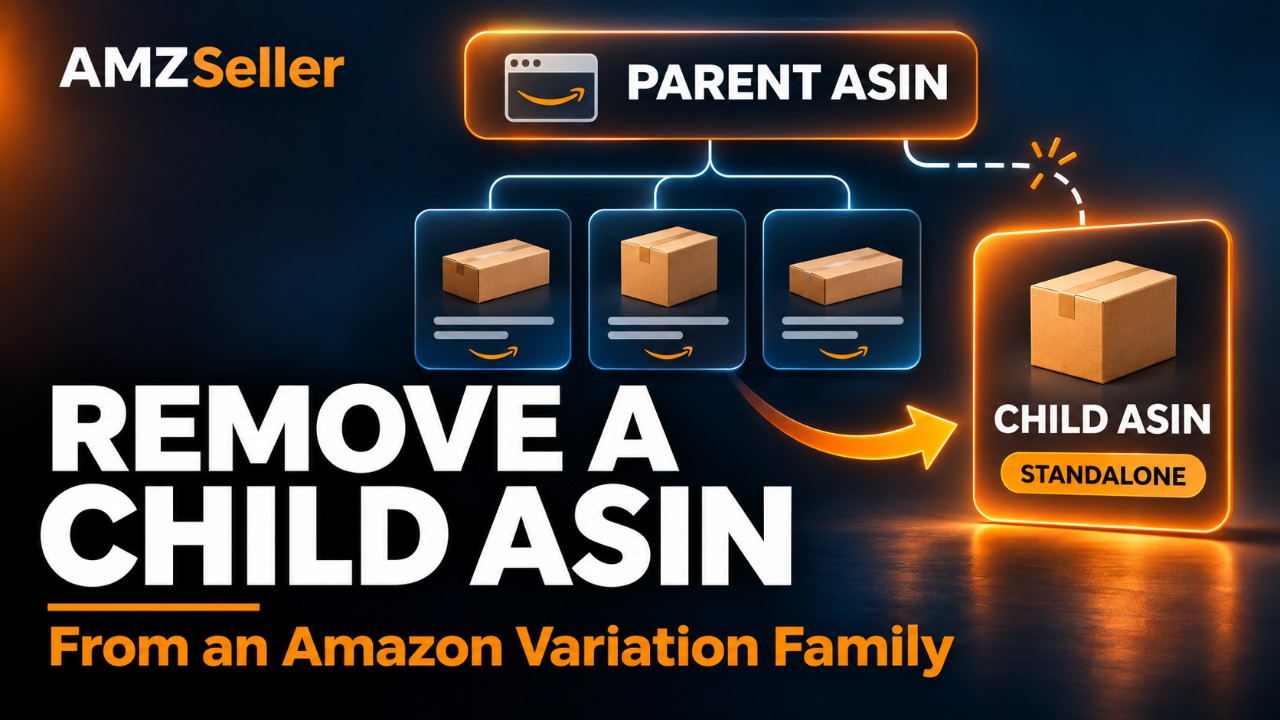
When you delete the parent ASIN, the parent-child relationship is removed, and the ASINs attached to it become standalone listings.
In Seller Central, you can click the three dots next to the parent ASIN and select “Delete Listing.” Alternatively, go to Add a Product → Spreadsheet and upload a flat file with a delete action for the parent ASIN only.
Within about 15–20 minutes, the listings attached to the deleted parent become standalone listings.
Now, let’s say you only want to separate one child from a listing with five children.
You want the other four ASINs to stay attached to the parent, while one becomes a standalone listing. You can do this by uploading a flat file for that ASIN alone, but I don’t recommend it.
Here’s how that method works: you upload a flat file for that ASIN, select “Create or Replace (Full Update)” under “Listing Action,” and leave the “Parentage Level,” “Parent SKU,” and “Variation Theme” fields blank. This removes that SKU from the variation family.
But remember: when you select “Create or Replace (Full Update),” everything in that flat file—including the fields you leave blank—overwrites your existing listing. In other words, blank fields in the file mean “delete.”
As an Amazon seller with 15 years of experience, I would be afraid to do this to an important listing with an established history and active sales. You need to be very careful with the Full Update option when uploading flat files. In theory, if you copy everything from your existing listing into the flat file exactly as it is, you would expect no problems. But there’s no need to take that risk.
How would I do it?
If, for example, you want to separate just one ASIN from a listing with five children, delete the parent ASIN anyway. Let all the ASINs become standalone listings. Then use a flat file to group the other four ASINs under a new parent.
When preparing the flat file to group them under a new parent, set it up like this:
- For the new parent you’re creating, select Full Update under Listing Action.
- For the child ASINs you want to attach to it, select Partial Update.
This is risk-free because you’re selecting Partial Update for your existing listings. Only the fields you fill in affect the listing. The fields you leave blank do not mean “delete.”
Will I lose my reviews if I delete the parent?
No. There’s nothing to be afraid of. Reviews are stored at the child level, not the parent level. They belong to the individual product listing. When the parent-child relationship is removed, each listing carries on with its own reviews.
If I delete the parent and group SOME of the ASINs under a new parent, will their reviews combine?
Yes, they will. When a parent-child relationship exists, the reviews of the ASINs attached to that parent are displayed together. This can take a little time—possibly a few hours. Don’t worry; they’ll combine after a while.
I deleted the parent, but the children still appear to be connected.
That’s unfortunate… Sadly, I don’t have a direct solution for this.
If this happens—and, of course, I’m assuming you’re the brand owner—you need to contact Seller Support and explain the situation. Open a case along these lines:
“I deleted the parent and want my ASINs to become standalone listings. However, the parent-child relationship still appears to be active on the product detail page due to a residual catalog-level relationship. Please make my listings standalone.”
I can’t guarantee the outcome. Because of contributions to the listing from sources other than you, the parent may continue to exist at the Amazon catalog level even after you delete it.
In that situation, you’ll see the ASINs individually in Seller Central, but the parent-child relationship will still appear to be active on the product detail page. It’s a frustrating situation, and resolving it can take time.
Does deleting the parent hurt the keyword rankings of the listings attached to it?
In my experience, no. Logically, there’s no connection either. Where a listing appears in the results for a keyword or search term isn’t determined by its parent. It depends directly on the history of purchases and customer interactions between that listing and that keyword.
What happens to my ASINs’ BSR when I delete the parent?
Each ASIN displays its own BSR. When a parent exists, the BSRs of the ASINs attached to it aren’t displayed separately. They function as one unit.
In other words, they’re treated as though they were a single product, and the BSR reflects their combined performance. Once the parent-child relationship is removed, each listing displays its own actual BSR.
You can leave any questions I haven’t answered here in the comments below.
If you run into problems during this process, I’ll try to help you directly. But between running my own Amazon business and the workload at AMZSeller.com, I have to limit that direct help to members with a subscription plan.
Take care, and see you in the next video or blog post.
Comments
Loading comments…